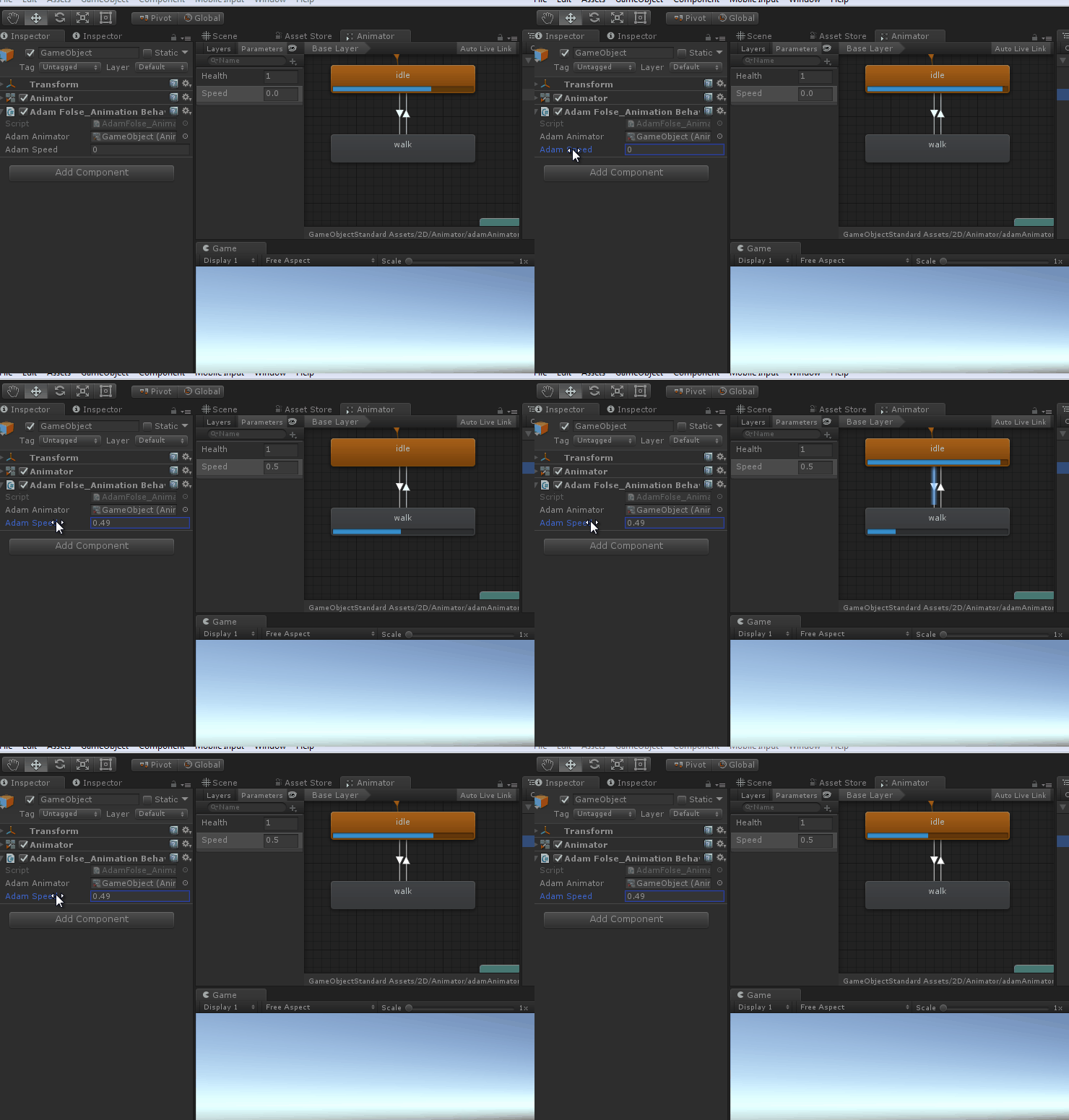
Intro to Mecanim
How to control animation
Animation
Keyframes over time

Controlling animation
The animator component serves as a communication relay to the system.

public class AdamFolse_AnimationBehaviour : MonoBehaviour
{
public Animator adamAnimator;
}
Parameters
set of values we can send to it

public class AdamFolse_AnimationBehaviour : MonoBehaviour
{
public Animator adamAnimator;
public float adamSpeed;
public int adamHealth;

public void Update()
{
//send values to the animator here ie: adamSpeed and adamHealth
}
}
States
Uses the animations

Transitions
Uses the parameters through conditions


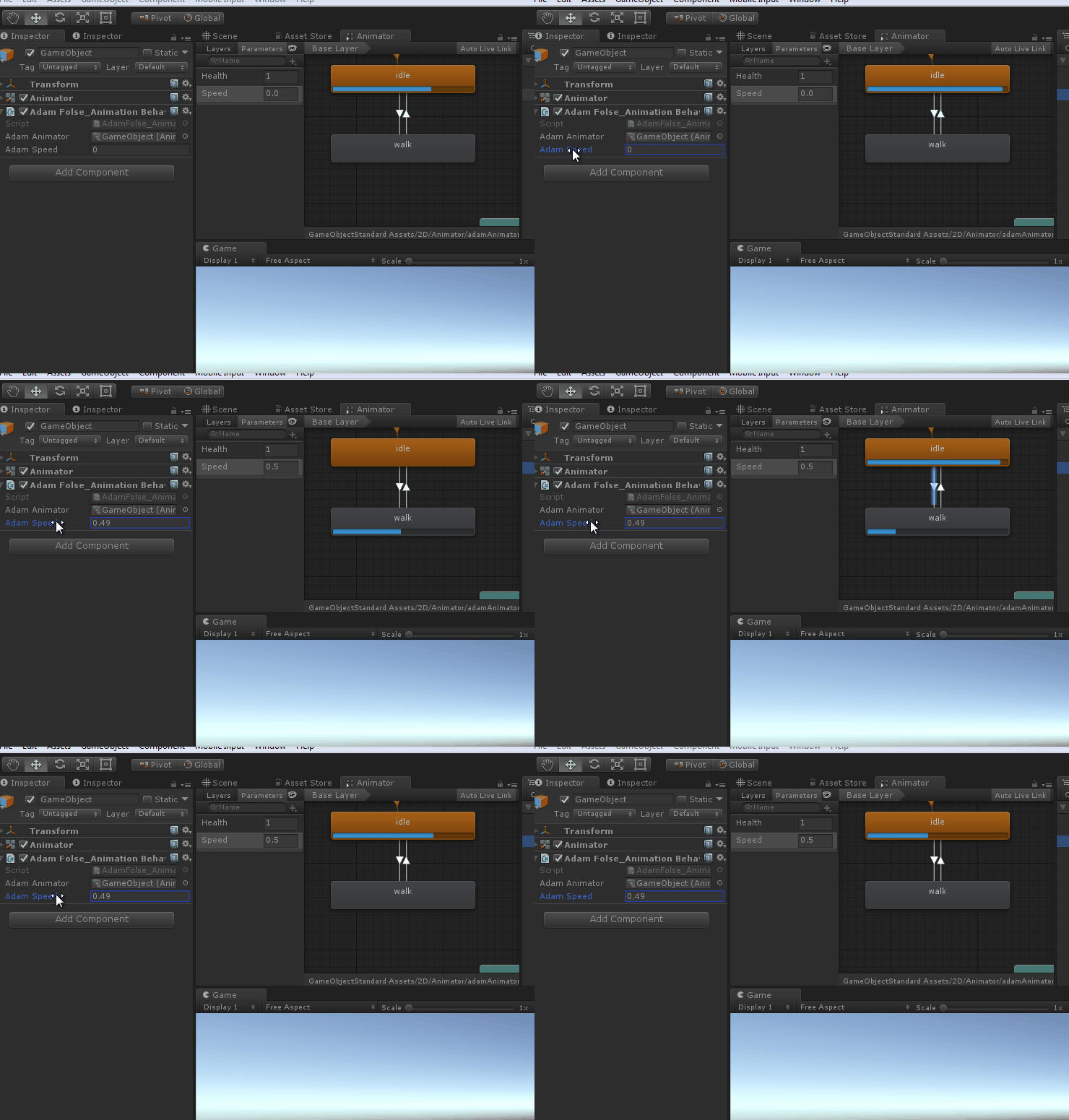
public class AdamFolse_AnimationBehaviour : MonoBehaviour
{
public Animator adamAnimator;
public float adamSpeed;
public int adamHealth;

public void Update()
{
//send Health parameter the value 1
adamAnimator.SetInteger("Health", 1);//we could send Health parameter the variable adamHealth or we could also send a constant value
//send Speed parameter the variable adamSpeed
adamAnimator.SetFloat("Speed", adamSpeed);
}
}
 Matthew Williamson
Leave a comment